
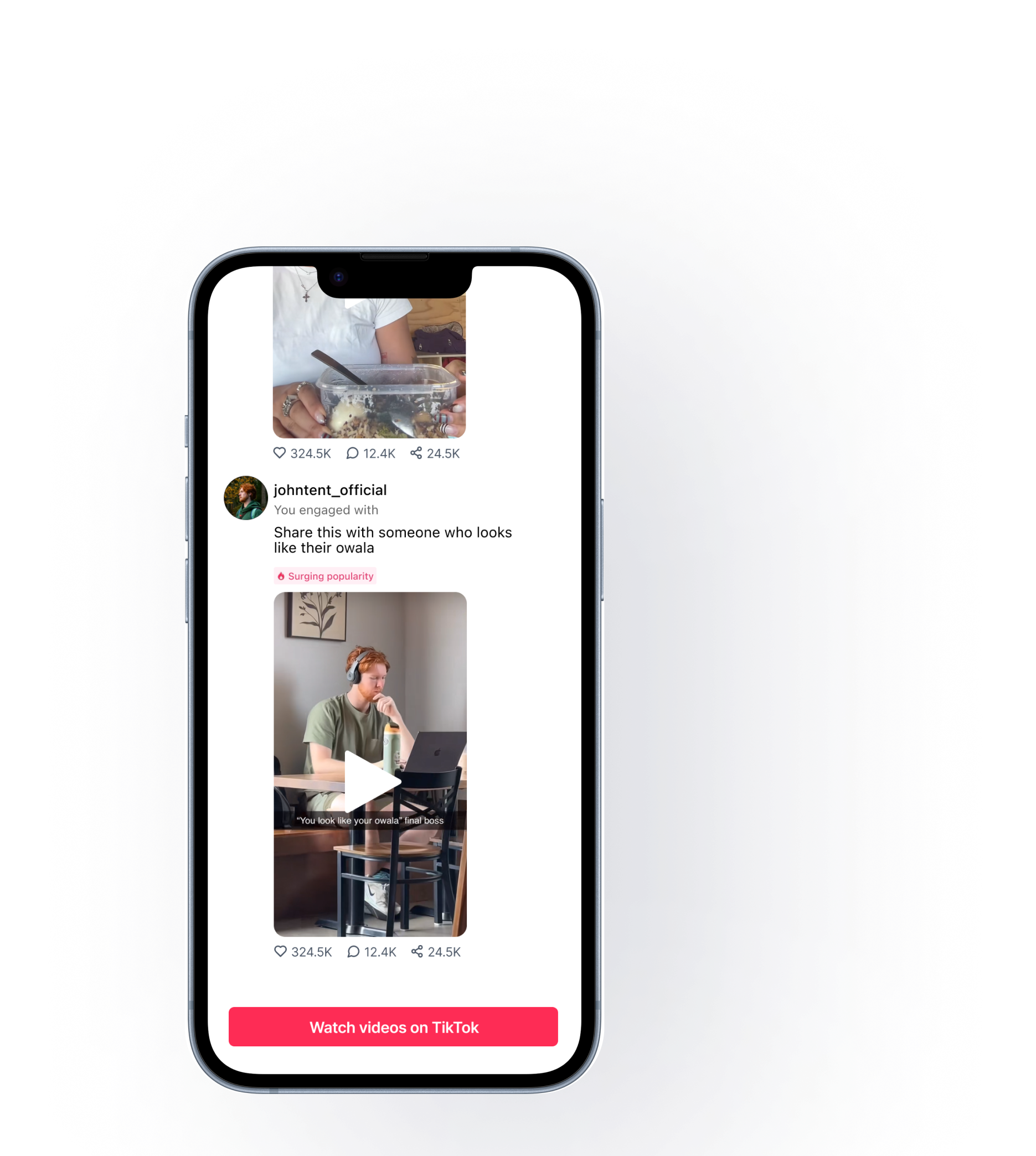

Reframed the email from a notification to a
Curiosity-Driven, Personalized Experience
My Role
As The Sole Designer Of Electronic Direct Mails, Collaborating With PMs To Define Visual And Content Strategies To Increase User Engagement.
Time Line
6 Weeks
March - May. 2024
V1 Launched in June 2024
Skills
Prototyping
User Research
Product Design
Product Strategy
Team
1 UX Designers (Me)
1 Product Managers
Engineer Team
Impact
Used data-driven insights to identify core user needs, quickly prototyped multiple strategic directions, and delivered a set of product solutions.
This feature was approved and entered development before my internship concluded. Although the final release occurred after my departure, my design work directly informed the implemented experience.
Highlight
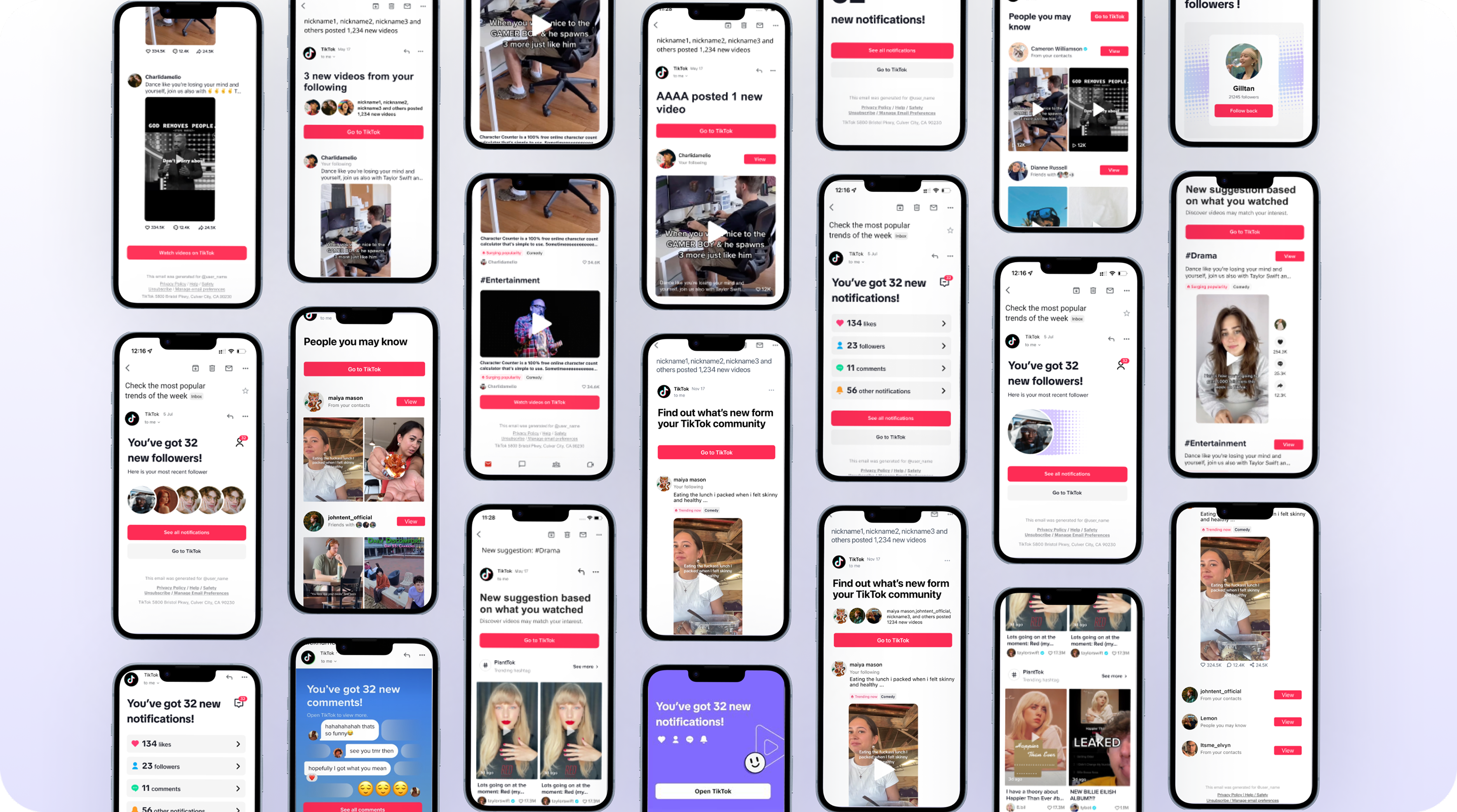

Context
Email has become a popular marketing tool. U.S. users are overwhelmed with "useless" marketing emails and looking for useful and relevant email content.
Over 30% Of Surveyed Users Are Dissatisfied With Useless And Irrelevant Content
🥱- Some emails are not informative or useful.
- Some email topics or recommendations are irrelevant to me.
- Some email topics are fine, but the content itself is not engaging.
- Can't customize my email preferences to control what I receive.
- The email wording is confusing or not well localized.
Goal
Improve upon its value to compete as an independent marketing channel.
Business Goal
Email notifications as a standalone, value-driven content and marketing channel.
User Goal
Receive more personalized and meaningful content.
Problem Breakdown
Why Does Everyone Hate Email Notification? 🤨
- Not Treated As An Independent Product Experience
- Lack Of Audience Segmentation Strategy
- Weak Visual Cues, Lack Of Storytelling
Painpoint
Why do I keep getting the same spam mail as everyone else?
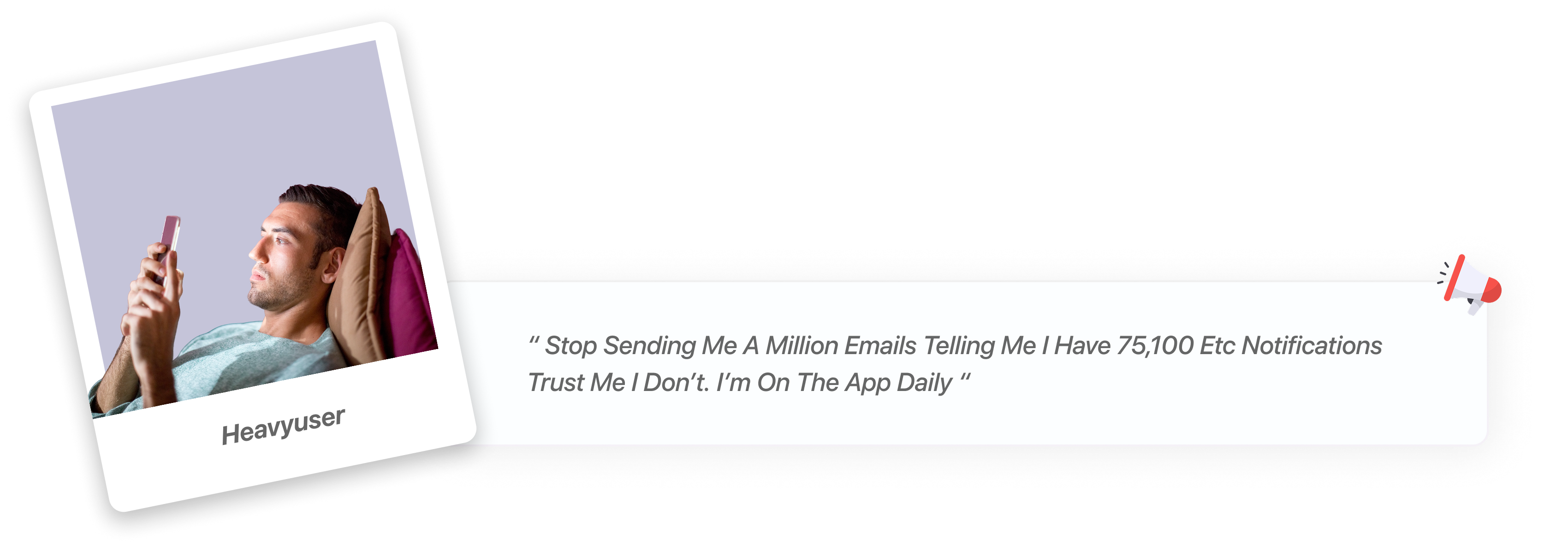
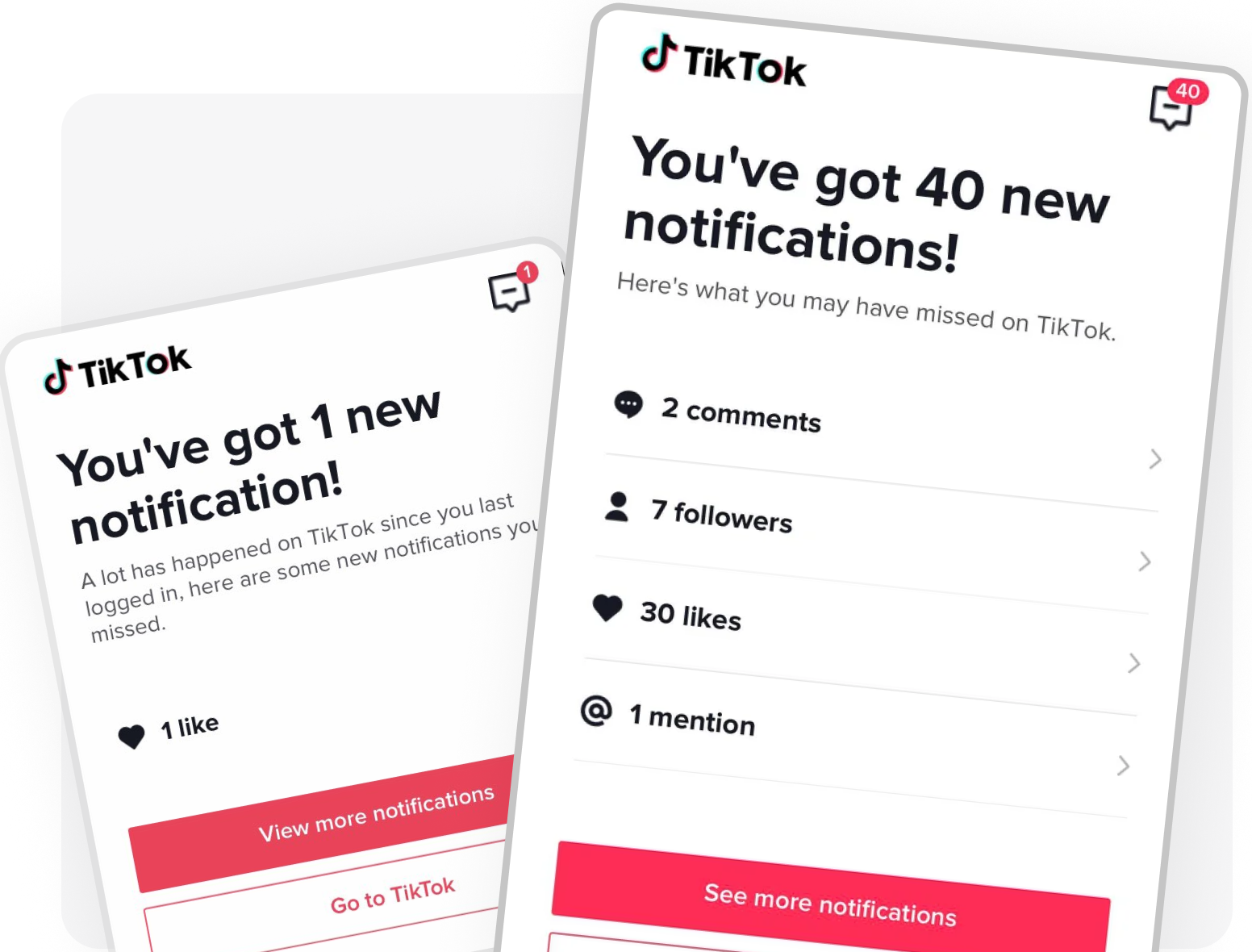
"An email just to tell me I got a like?"
"I didn't even know I could click it — where does it go?"
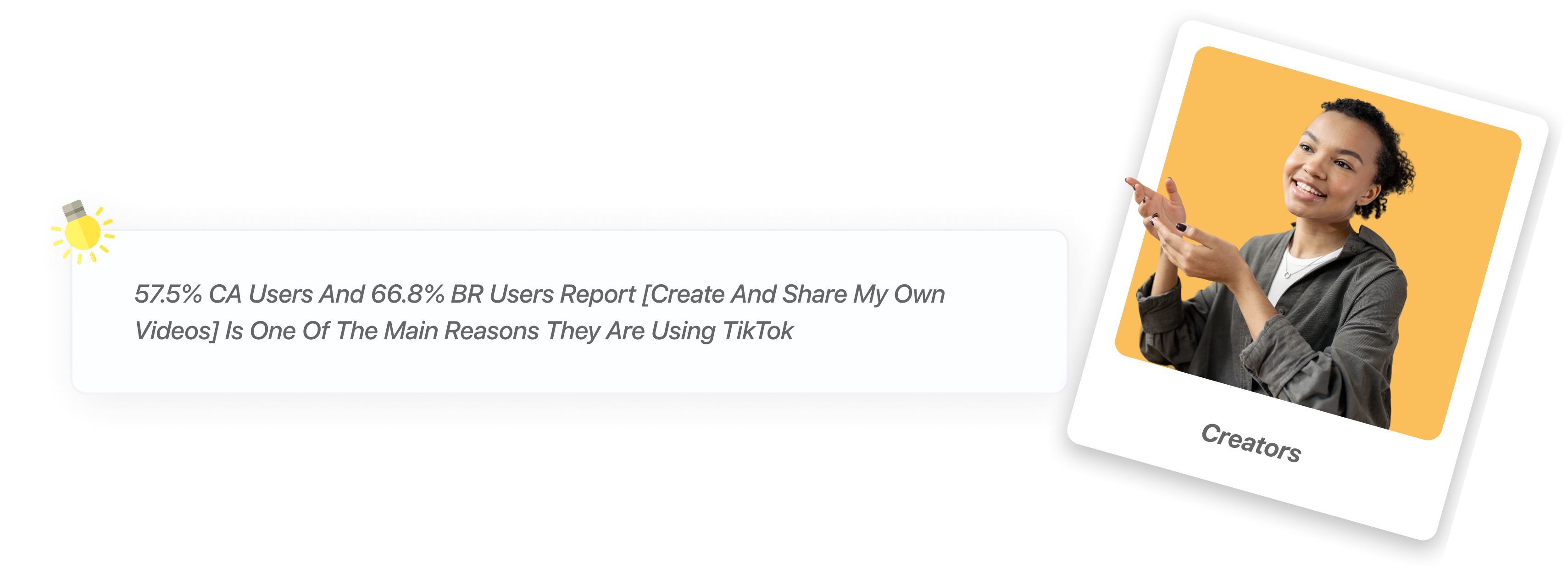
 22.6% BR users don't realise the email content is clickable.
I just go straight to TikTok — I don't even bother opening the email.

" Actually my email always appear the notification but I directly go in TikTok instead open the email. When I check my emails, I also see the email of TikTok and I also check and directly to TikTok after my other email done checking. "
— TT Users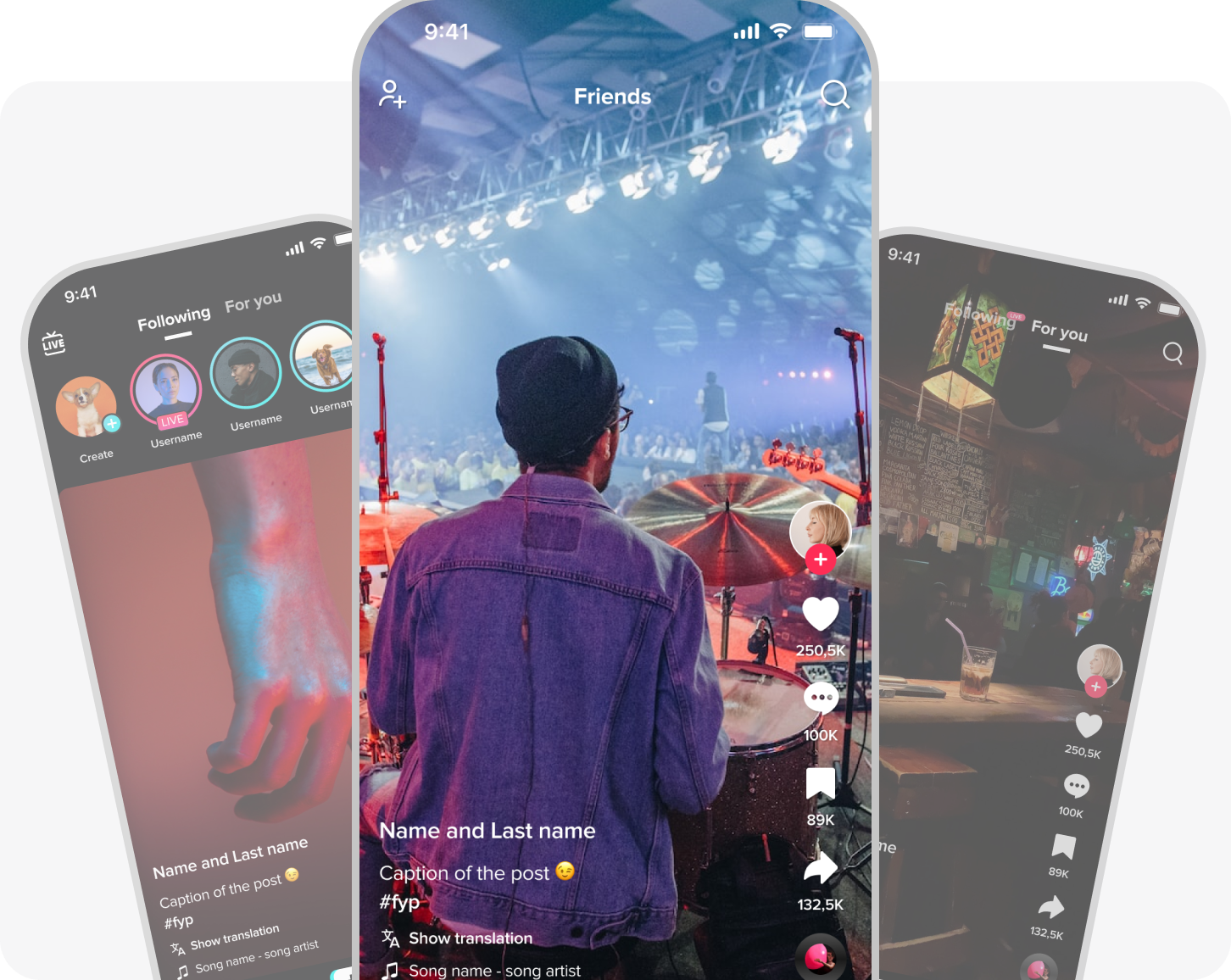
Weak visual cues and unclear CTAs make users fail to recognize interactive or clickable content.
Lack of differentiated content strategy across engagement levels and user identity types.
Emails mirror in-app notifications with no added value — users see nothing new and go straight to TikTok instead.
First Iteration
(Video Thumbnails or Profile Avatars)
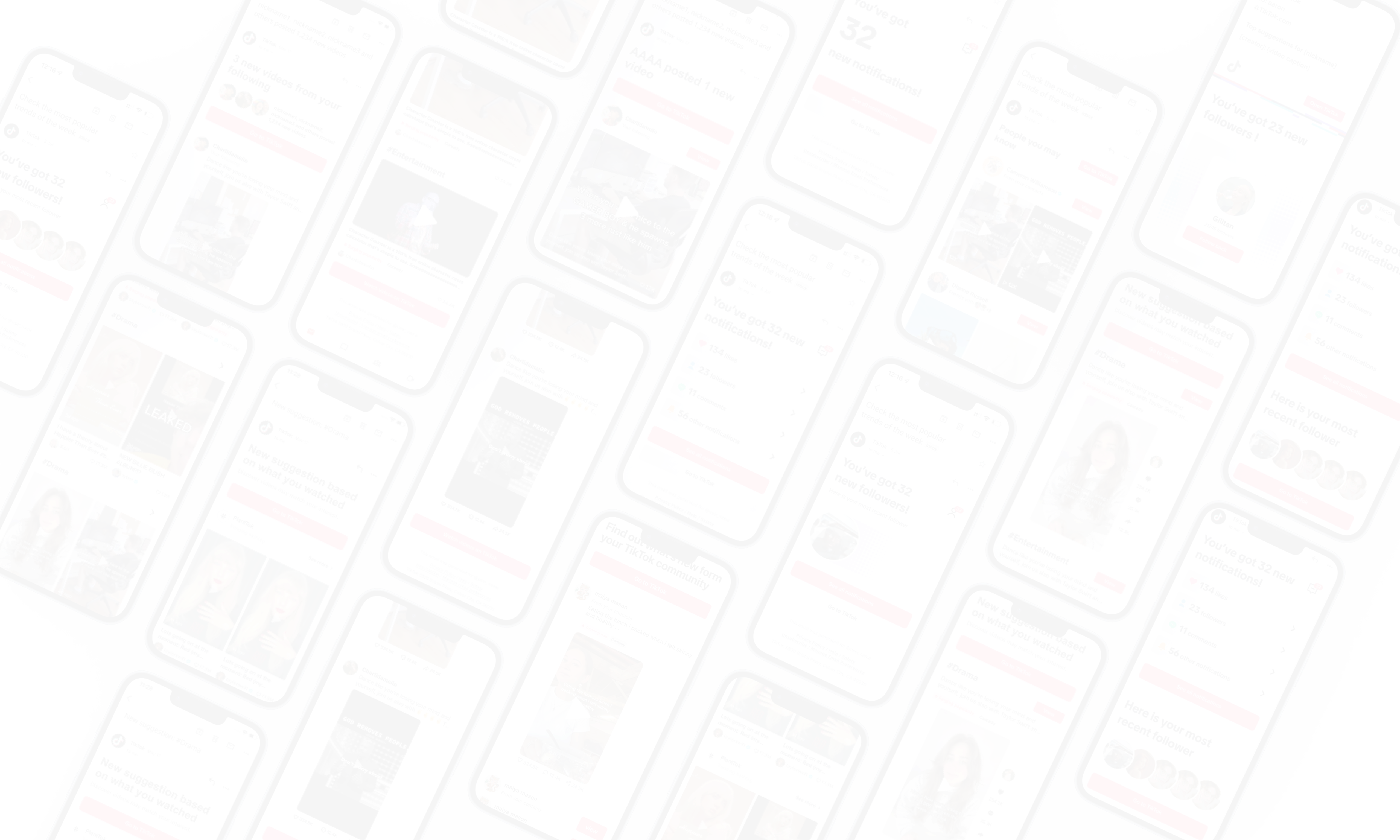
Can we explore different notification styles—text-based, page-like, and marketing-style—each with a different highlight section, and each highlight section using distinct strategies to present key content?
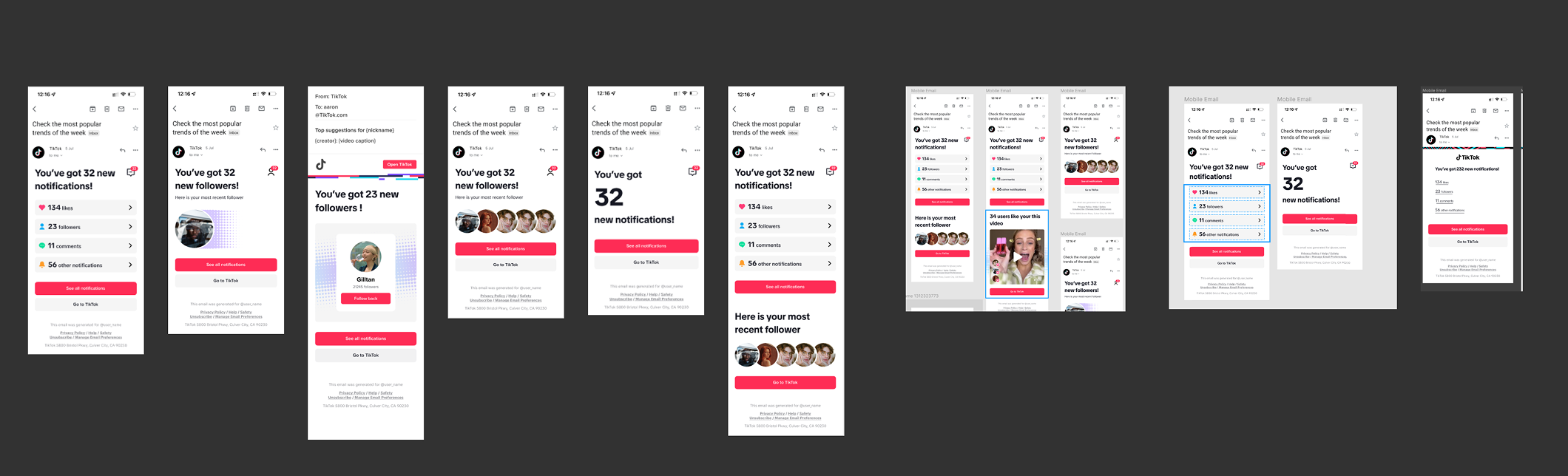
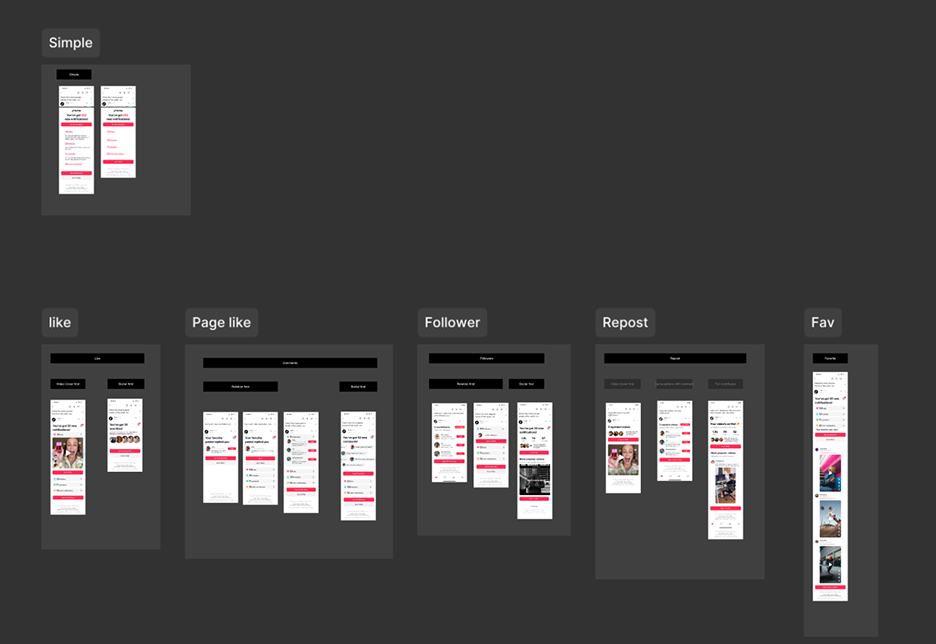
Part of my exploration, I came up with 40 combinations in 2 days!!! 🫠

I felt lost in my design, and I began to wonder: does notification actually matter to users?
All content can be meaningful in different scenarios—the question is how to attract people to read it in different scenarios.
Core Strategy Shift: Design for...
Option 1
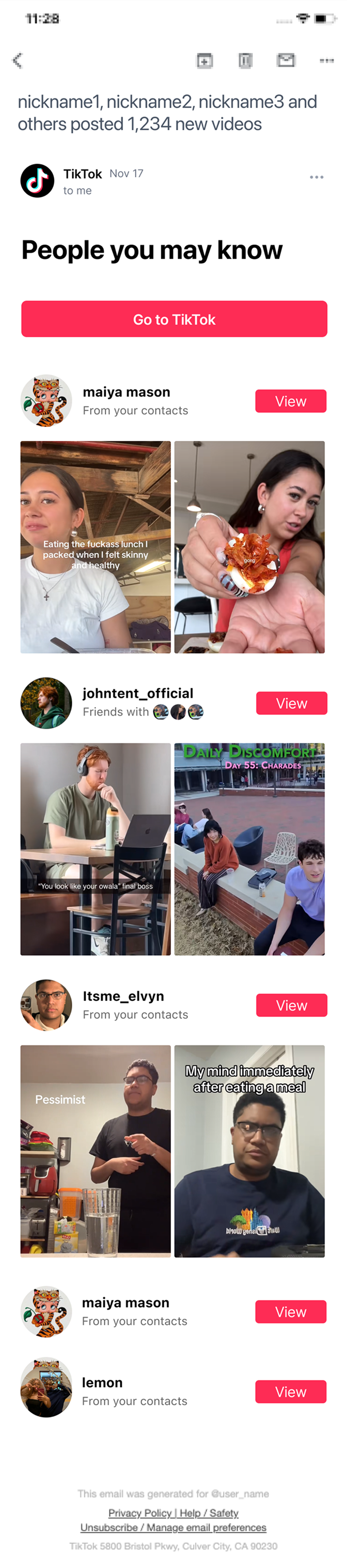
Scenario: Promotional-Style Email
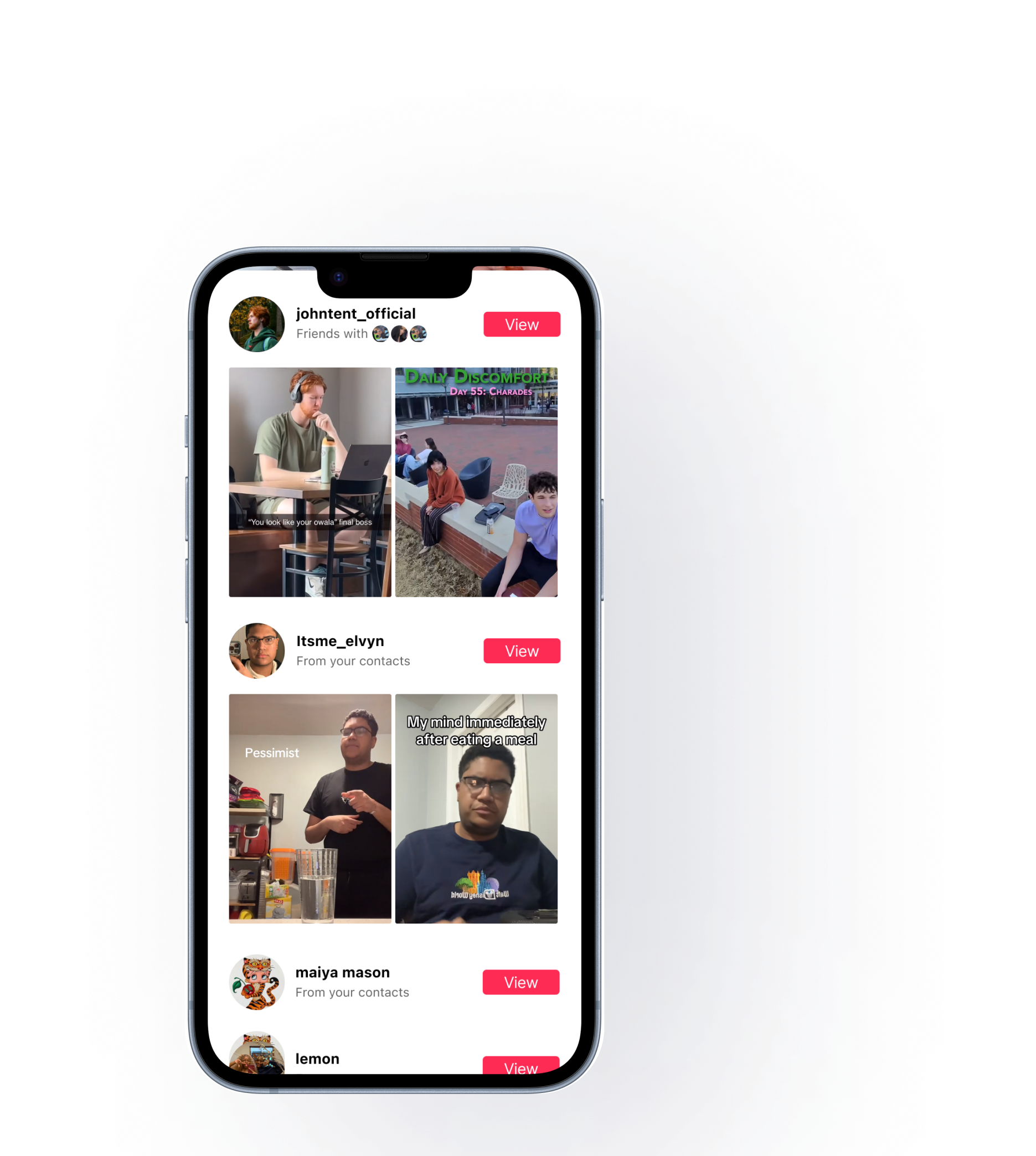
Prioritizes bold visuals and strong CTAs over social context or personalization. Best for campaign launches, sales, and event announcements.
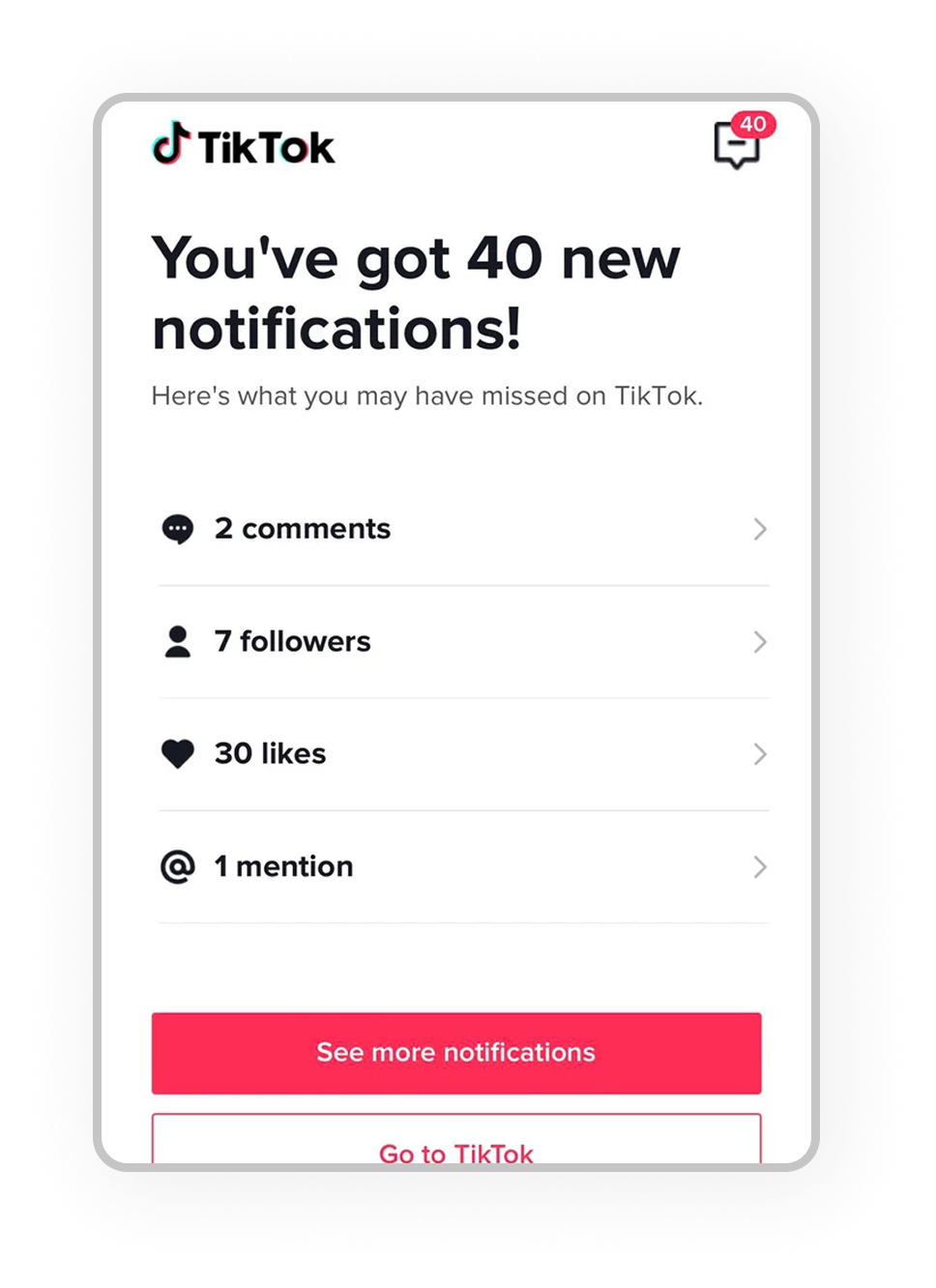
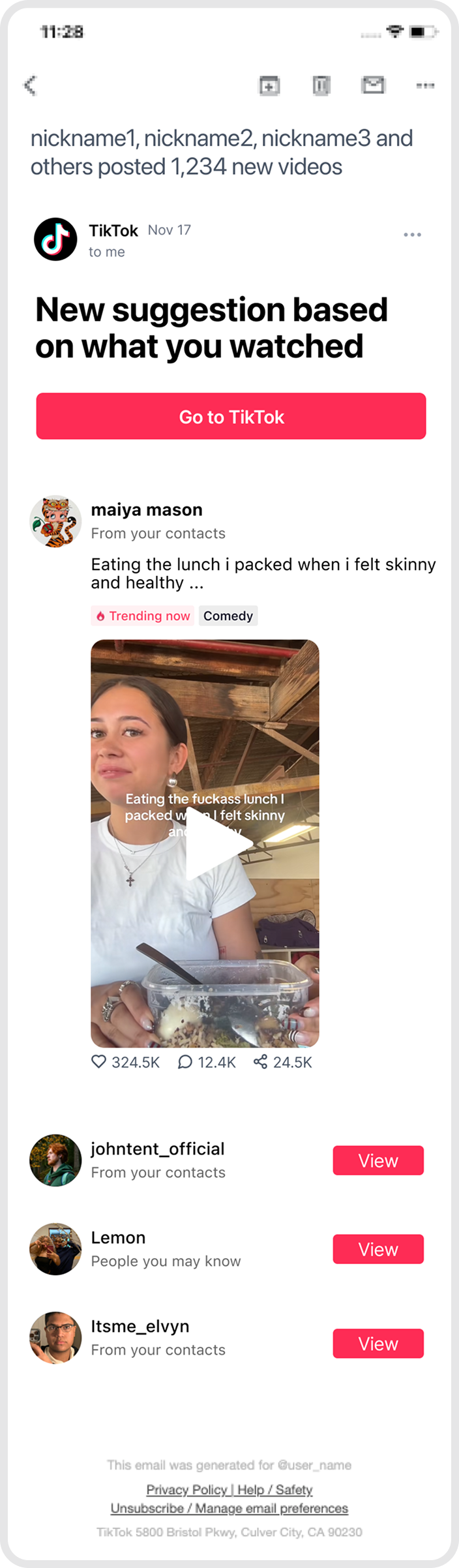
Layout Design Anatomy and Strategy
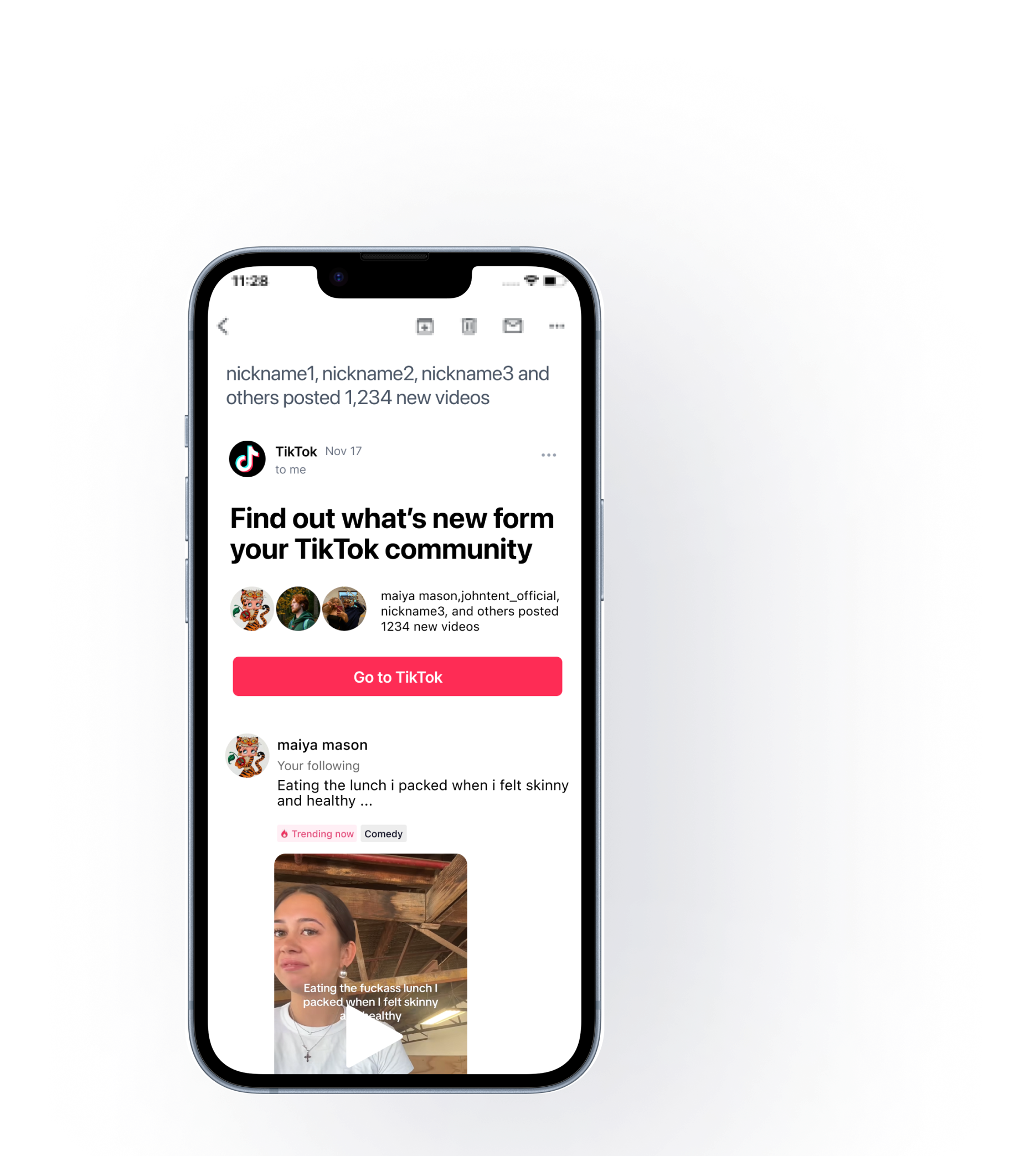
→ Go To TikTok
→ Go To TikTok Video Page
→ Go To TikTok Avatar Profile Page
Highlights
Capture User Attention In The Shortest Amount Of Time
Using Video Thumbnails With Personally Relevant Content
Design Directions
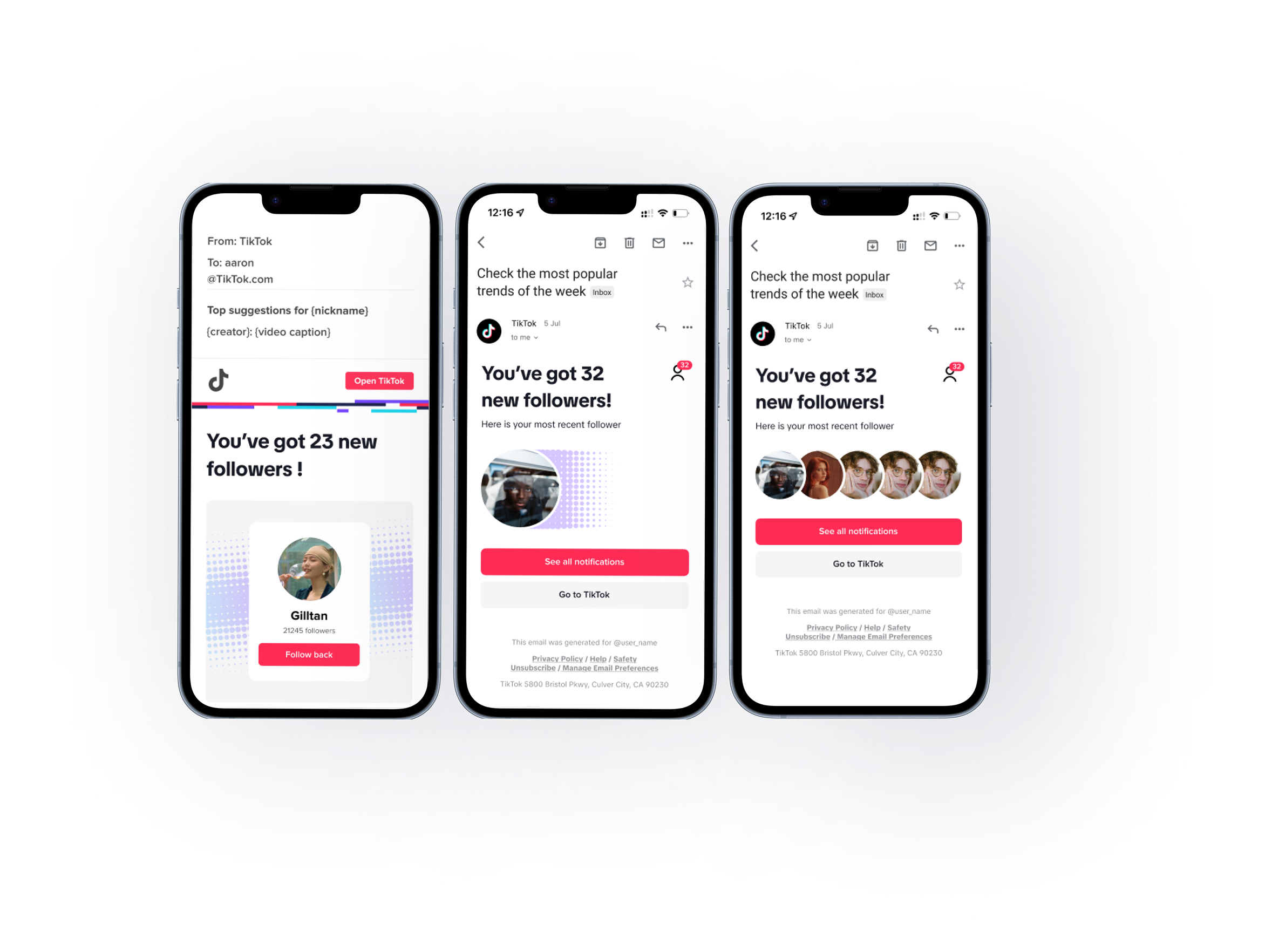
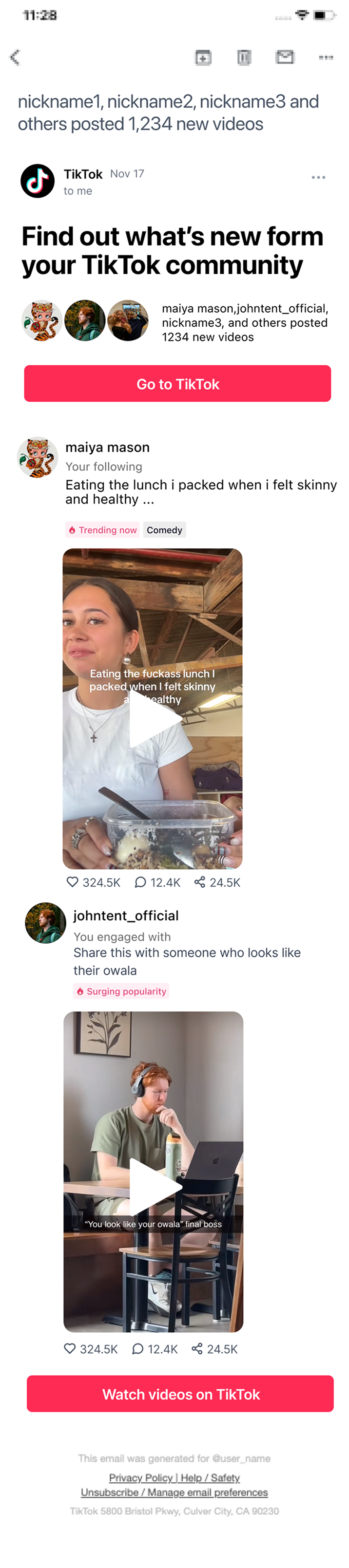
Pros: Added Social CTA Buttons, Amplified The People Info Section, De-Emphasized Video Content To Build Curiosity. Best Suited For Social-First Post Types: Friend Posts, Suggested Friends, Follow Posts, And Interactive Posts.
Cons: Not Ideal For Pure Content Recommendation Scenarios Where The Content Itself Takes Center Stage.
Option 2
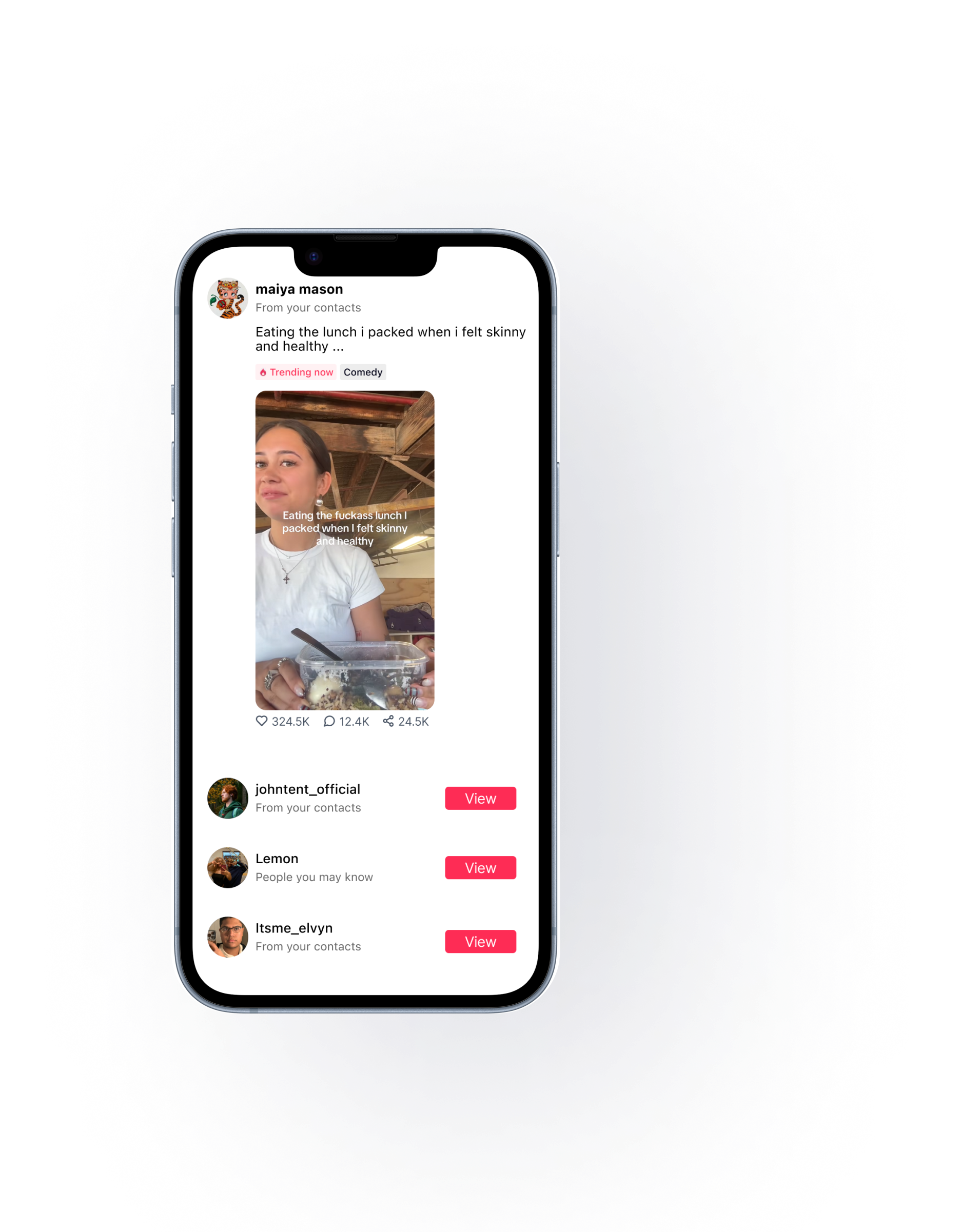
Scenario: Video Cover First / Content-Driven
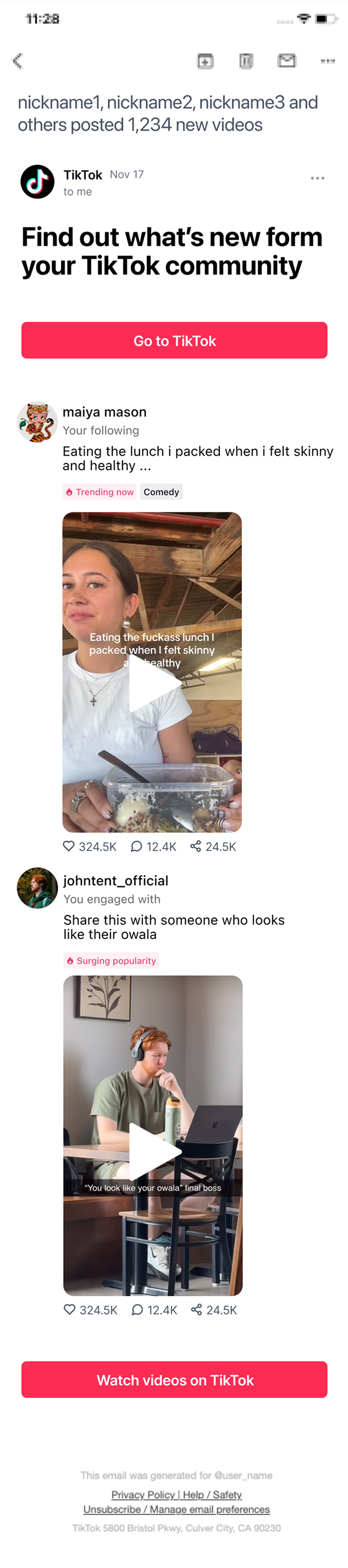
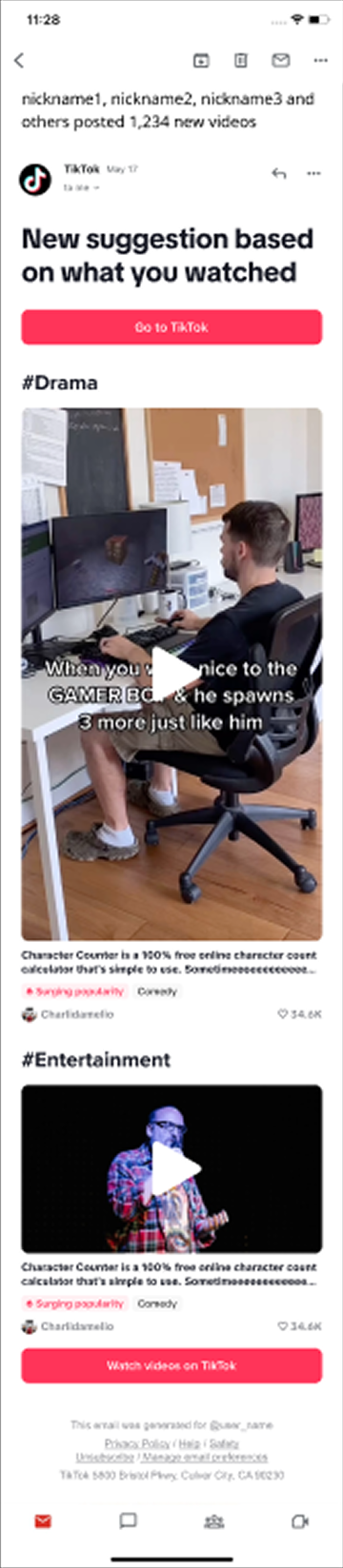
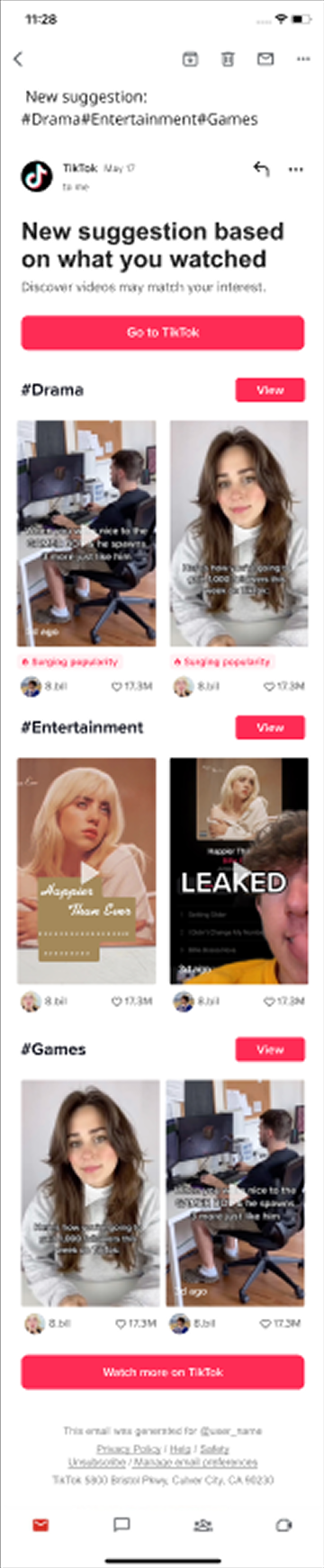
Video cover first — prioritizes the video thumbnail, with de-emphasized people info.


Something you can’t learn in a class
01 | Exhaustive Exploration Approach Can Be Valuable
My previous understanding of design was more about innovation—looking for clues, analyzing problems, and doing problem solving, trying to find the “key” through logic. However, through this project, I realized that Design does not always have to be completely innovative; sometimes, by trying many possibilities and making adjustments, meaningful directions can emerge.
02 | I Realized I Could Contribute More Than Just Visual Execution
Working on this project taught me that as a designer — even as an intern — you can and should engage with the product direction, not just the visual execution. When the initial brief felt unclear, asking questions and understanding the "why" behind the design helped me make more intentional decisions.
03 | Looking Back At Existing Data And Past Design Iterations Gave Me A Lot Of Context That I Wouldn't Have Had Otherwise.
For a product that had gone through many iterations, I found it incredibly valuable to dig into existing data, past design files, and how previous designers had approached similar problems. It gave me context I couldn't have gotten from the brief alone, and helped me arrive at a more informed direction rather than starting from scratch.